Bulk Export
Your data is yours. Export it for detailed analysis of user conversations, or to move to another service.
Export all conversations
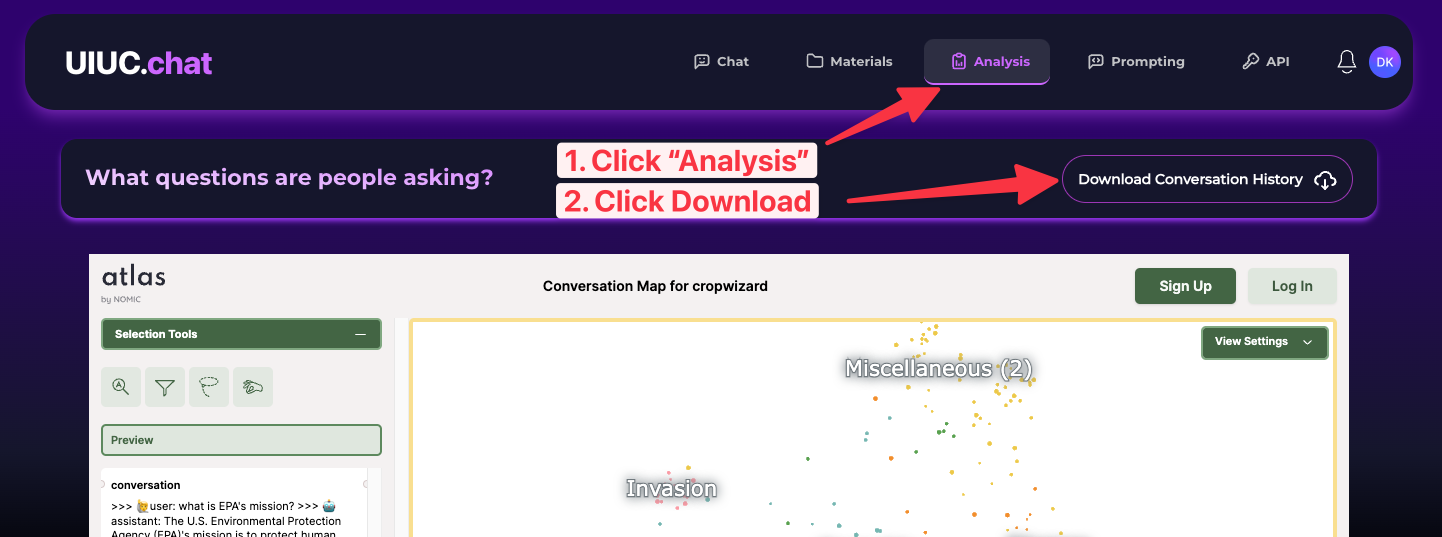
From the Analysis page, download all conversations anyone has had in your project. Only the project owner and admins can access these sensitive details.
Data format
Exports are JSON Lines (.jsonl), one conversation per row:
- If a user was authenticated when chatting, their email address is included; otherwise
null. - Messages mirror OpenAI's chat format (
role/contentpairs). - Each
assistantmessage additionally includes thecontextsthat were (potentially) used to answer — up to 80 contexts per response, each withtext,readable_filename,s3_path,url, andpagenumbermetadata.
Reading the export
import jsonlines
import pprint

filename = 'myProject-convo_history.jsonl'
with jsonlines.open(filename) as f:
    data = list(f)

print(len(data))
pprint.pprint(data[0])
Each row looks like:
{
  "convo_id": "03a9ffb3-5bde-4766-a4eb-66dff42ed8ac",
  "course_name": "my-project",
  "user_email": "user@illinois.edu",
  "created_at": "2025-08-14T16:35:40.508062-07:00",
  "convo": {
    "model": {"id": "gpt-4o", "name": "GPT-4o"},
    "prompt": "Your system prompt...",
    "temperature": 0.4,
    "messages": [
      {"role": "user", "content": "...", "contexts": []},
      {"role": "assistant", "content": "...", "contexts": [{"text": "...", "readable_filename": "...", "url": "...", "pagenumber": ""}]}
    ]
  }
}
Export all documents
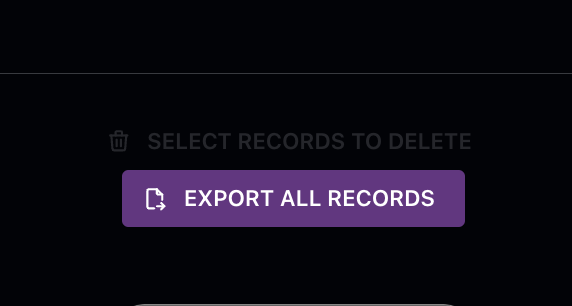
From the bottom of the Materials page, download the post-processed text and vector embeddings used by the LLM, also as JSON Lines. To minimize data-transfer costs, exporting original files (PDFs, etc.) is only available per-document.
Programmatic export
Exports are also available via the API — see Export API.